
In-Person Grad Show Preview
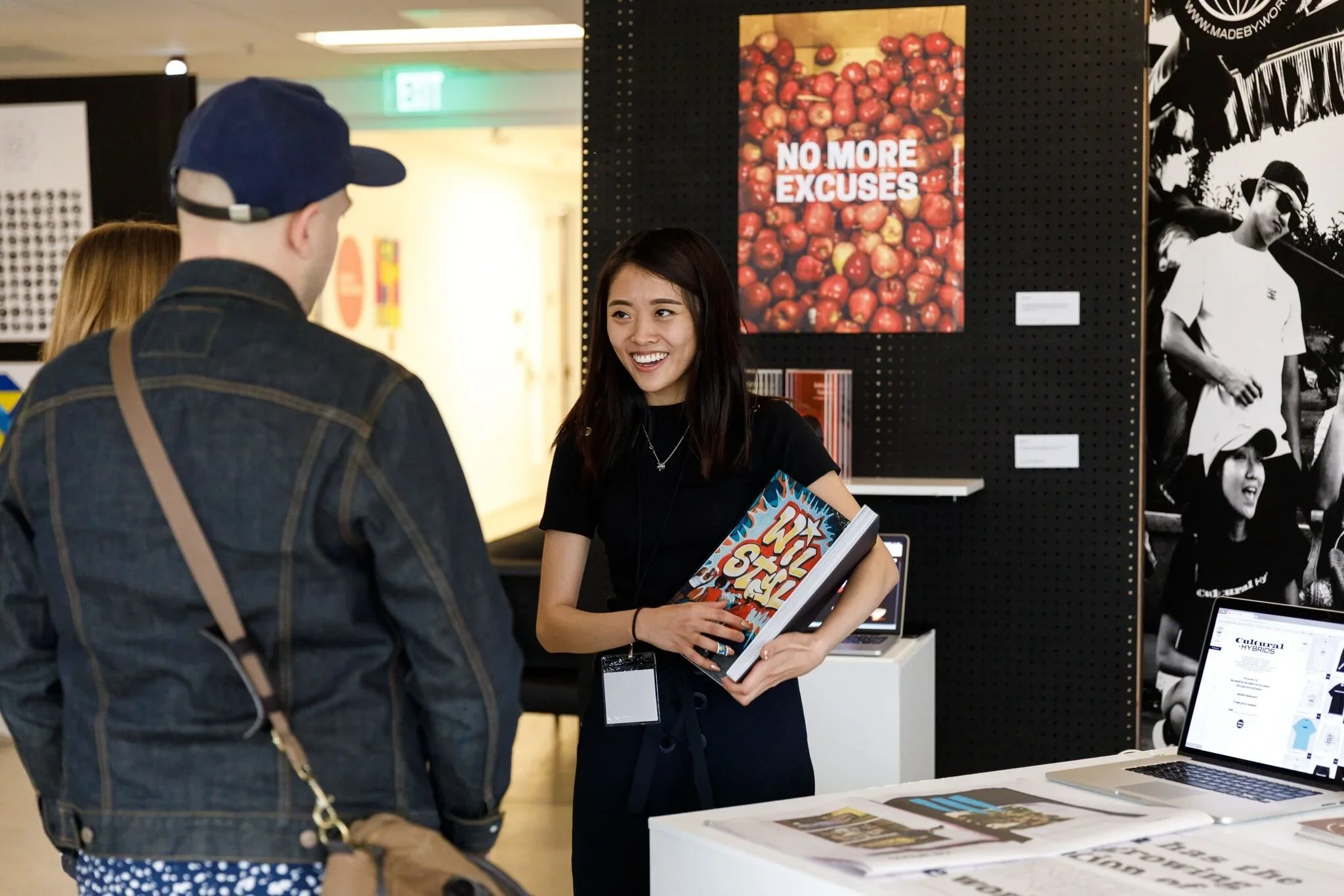
The big day is here. You’ve put up your work at the Pasadena Convention Center and now it’s time to welcome guests who want to view your work, talk to you about it, and get to know you a little.
Date
The in-person events for Fall 2025 Grad Show Preview will take place from 4-10pm on Thursday, December 18th.
Email careers@artcenter.edu with any issues.
1. Starting the Conversation
Catch Their Attention
Opening Lines
You’ll be standing at your wall, next to your projects. Guests will wander by, some moving more quickly than others. Your goal is to invite them to stop and talk to you. You can do this by using both body language and words. Keep your body turned toward approaching guests. If you’re turned toward your wall or talking to a friend, people will likely think you’re busy and keep on walking.
Make eye contact and smile. Say one or more of the following:
Hi!
Welcome.
Thank you for coming.
Let me know if you have any questions about my work.
Once someone stops to engage with you, you can exchange more extended greetings.
Hi, how are you today? Their response. I’m Tink Adams, graduating from [illustration] with an interest in [visual development]. (Replace words in brackets with ones that are relevant for you.)
Offer a firm handshake and smile. Listen to the other person, smile and repeat their name so you remember it and can confirm the correct pronunciation. Listen to their response. If you’re not sure what to show them first, ask.
It’s wonderful to meet you! Since I have a short amount of time with you today, I’d like to know what you are most interested in seeing.
Once you know what to show them, continue. Introduce your most relevant project and share how your skills match what they’re seeking.
I would like to share one of my projects that was inspired by [my favorite illustrator as a child, Ted Harrison]. I think you’ll be interested by my use of [storytelling and color].
Build the Conversation
Social questions help establish rapport and make a conversation feel natural and more relaxed. Here are some suggestions.
Prompt the Employer:
[Name of visitor], I’m glad you could visit today. I’m excited to learn more about your role at [Company].
I enjoyed the [typography center] while at ArtCenter, what did you like most? (for alumni)
Ask Questions:
How have you enjoyed the event so far?
Have you been to this event before?
Did you attend ArtCenter?
What is your favorite memory of ArtCenter? (for alumni)
What program did you graduate from? (for alumni)
Any tips for a new (ArtCenter) graduate?
Give a Genuine Compliment:
I love your scarf, it’s a beautiful color, especially for this wonderful fall day.
Those are amazing shoes! Where did you find them?
Eliminate Distractions
Alert members of your household that you will be on a video call to provide you some privacy and limit distractions.
If you have pets, consider strategies to limit barking or walking into the video.
Create a Good Image on Screen
Use a light source in front of you so your face is well lit. Avoid strong light sources behind you to prevent being backlit.
Elevate your camera so it is at eye level. You want your head and shoulders to be visible and centered on the screen.
Position yourself in front of a neutral background that is not visually busy. Consider using the “blur background” feature on zoom.
If you want to use a virtual background, make sure it is not too busy and that it does not distract from what you will be saying. Double check that you stand out clearly against the backdrop and do not appear and disappear as you move.
Avoid wearing small patterns like dots and stripes that can vibrate while on screen.
2. The Heart of the Conversation
Present Additional Projects
Show Your Interest
After the initial conversation, gauge the guest’s level of interest. You may choose to show them your next best project or a project that fits their interests.
Listen closely to questions they ask you and answer so they can get to know you better.
Here are some questions they might ask you:
Tell me about your process? How did you make this?
What was the idea behind this project?
Why type of positions are you looking for?
Do you have any internship experience?
Use a question-based approach to learn more about the guest and their organization.
I’m interested in hearing more about your current role at [Company/Organization].
I’m a huge admirer of [Company], I am fascinated by the design process and curious about your insight.
What type of projects are you involved with at [Company/Organization]?
What type of talent is [Company/Organization] currently seeking?
Are there particular skills you’re looking for in a candidate?
How would you describe the workflow with [Company]?
What inspired you to become a [graphic designer]?
How has [Company] changed over the past [5 years with the transition of autonomous vehicles]?
3. Wrapping Up the Conversation
Get Contact Information
Conversation Closers
While there are a number of ways to close a conversation with an employer, there is one thing you will want to always remember:
Be sure to get contact information. Business cards are still a great way to do this, but you can also ask for LinkedIn information or ask if it is ok to reach out via LinkedIn.
Sharing your own business card can be an easy way to prompt an exchange. If a guest doesn’t have their cards (or if they ran out), ask for their name.
If you don’t want to print physical business cards, consider digital business cards. Digital business cards can be shared with anyone globally. They are a cost effective, interactive, and sustainable way to share your contact information.
Have a small notebook and pen so you can make quick notes from your conversation. Use these notes to draft your follow-up emails and LinkedIn outreach. When you reach out through LinkedIn, make use of the initial connection message.
Note: Creative Careers is not able to give out employer contact information.
You can accompany any of these statements with another hand shake.
Please feel free to look at my other projects on [sustainability]. Let me know if you have any questions. I enjoyed meeting you!
I’ve had such a wonderful time speaking with you today. I’ll definitely reach out on LinkedIn so we can stay connected.
I’d love to hear more about your current initiatives. If you have time, I’d love to meet over coffee and learn more. (Hand business card to visitor.)
I hope you enjoy looking through my other projects. Please take my contact information and we can continue the conversation. Thanks for stopping by and speaking with me.
Thanks for stopping by and reviewing my work today. I hope you enjoy the rest of the show.
Perhaps I can grab your contact information and we can talk more about available opportunities.
It was wonderful to meet you. Thanks for coming to visit today!
I enjoyed our conversation and look forward to connecting in the future.
4. After the Conversation
Thank-You or Follow-Up Outreach
Take Action Right Away!
Sending a thank-you message, follow-up email, or LinkedIn outreach to all the guests you connected with is a very important step.
It shows appreciation and gives you the opportunity to stay fresh in someone’s mind. It also allows you to repeat your interest in the company and available opportunities they may have mentioned.
View our Follow-Up Emails resource to help you get started. Draft a few sample messages in advance that you can quickly customize. Keep them short, direct, and sincere. They can be as short as 3 or 4 sentences.
You will be busy with graduation and celebrating but you want to build on the connections you made in a timely manner. (This is especially important for Fall graduates, because of the holidays.) Set aside time to follow up on Monday after the event. If someone asks for you to contact them or send your portfolio right away, carve out some time on Friday.
Make the follow up process easier. Record information on a spreadsheet similar to our Research Strategy Template.